YouTube トランスクリプト エクストラクター
Extract YouTube video transcripts with timestamps instantly. Paste any video or Shorts link to get the text, language, and duration in seconds.
Extraction Error
結果の例
サンプル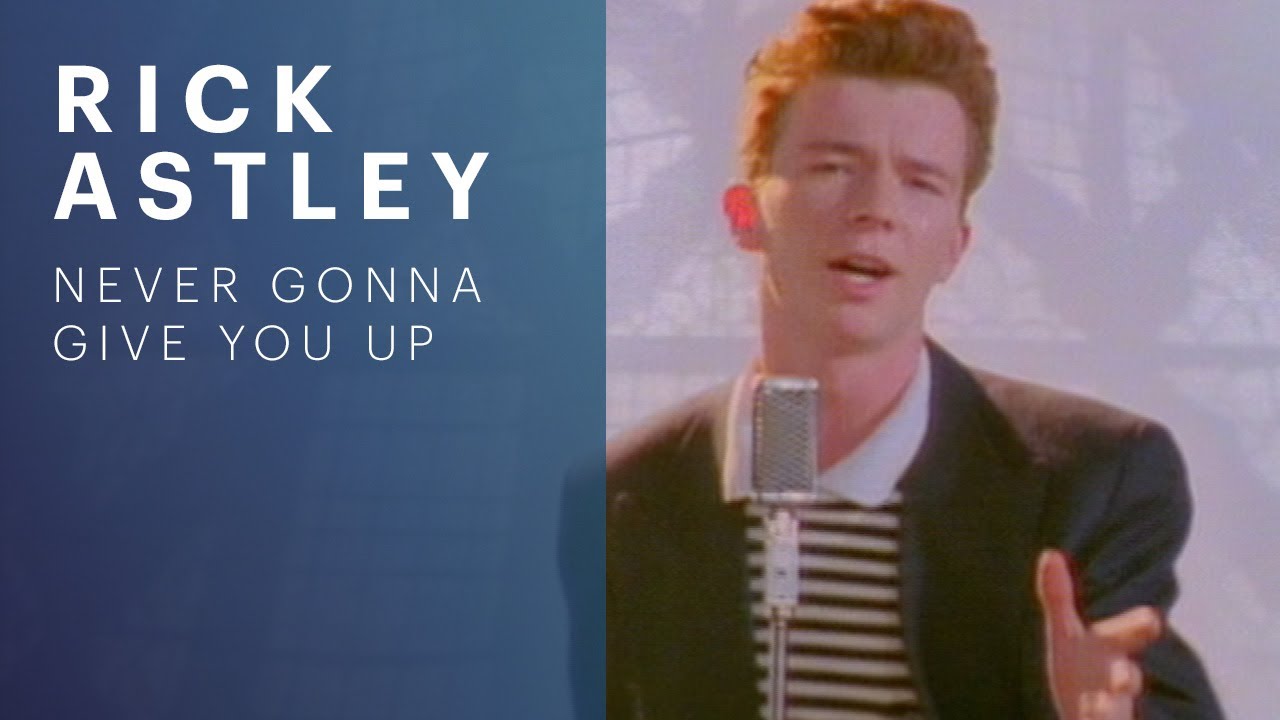
Extracted Transcript
Extracted successfully
Rick Astley - Never Gonna Give You Up (Official Video) (4K Remaster)
Channel: Rick Astley
Language
English
Duration
3:33
Segments
4
Sample caption line one: this illustrative transcript shows timestamps.
Sample caption line two: each row pairs a timestamp with spoken text.
Sample caption line three: copy or download the full text below.
Sample caption line four: live results replace this preview.
Extracted Transcript
Extracted successfully
Language
—
Auto-generatedDuration
—
Segments
0
What Your Transcript Contains
After you extract a video, here is exactly what you receive — no guessing about what the tool returns.
Spoken text
The full transcript as plain text, one block per spoken segment, exactly as YouTube provides it.
Timestamps
Each segment shows its start time (M:SS or H:MM:SS) so you can locate any moment in the video.
Detected language
The language YouTube detected for the captions is shown, including when only auto-generated captions exist.
Official or auto-generated
If the text comes from auto-generated captions, it's labeled so you know the source and can judge accuracy.
Video duration
The total length of the video is displayed alongside the transcript for quick context.
Segment count
The transcript is split into timed segments, and the total number of segments is shown.
Plain-text format
Readable text with no raw code or metadata clutter, ready to read, paste, or process.
Copy or download
Copy the entire timestamped transcript at once, or save it as a .txt file for docs, notes, or analysis.
Extract a Transcript in 3 Quick Steps
-
1. Paste Video URL
Enter any YouTube video or Shorts link into the box above.
-
2. Fetch Transcript
The server calls the transcript provider and returns the timestamped text.
-
3. Copy or Download
Copy the transcript or download it as a plain-text file in one click.
Supported Videos & Limitations
This tool extracts a transcript that YouTube already makes available. A few honest boundaries apply.
Supported URL formats
- youtube.com/watch — Standard video pages, e.g. youtube.com/watch?v=VIDEO_ID
- youtu.be — Short links such as youtu.be/VIDEO_ID
- youtube.com/shorts — YouTube Shorts links where a transcript is available
What to expect
- A transcript is returned only when the video has an accessible captions or transcript source.
- Auto-generated captions may be returned and are clearly labeled as auto-generated.
- Private, deleted, or login-only videos cannot be accessed, and the tool says so clearly.
- If no transcript source exists, the tool returns a clear "not available" message instead of inventing text.
This is an extraction tool, not a transcription service: it reads an existing caption or transcript source and does not generate text from audio.
Who Uses YouTube Transcript Extraction
People who work with YouTube content use transcripts to find, reuse, and understand spoken video — here are the workflows that come up most.
YouTuber
Check the spoken content of your own or any public video, jump to specific sections by timestamp, and pull ideas for your next upload — without rewatching the whole thing.
Content Creator
Turn a video's spoken content into notes, quotes, and angle ideas you can reuse in your next script or post.
Video Editor
Find the exact moment a line was said using timestamps, so you can place cuts or pull quotes without scrubbing the timeline.
Graphic Designer
Read the transcript to grasp the video's topic and tone before designing a thumbnail or supporting visual.
Script Writer
Study how creators open, explain, and transition between ideas so you can structure your own scripts more effectively.
Digital Marketer
Scan competitor or creator videos for messaging and claims in text form, instead of watching every minute.
SEO Specialist
See the topics and language a video actually covers, then plan related content and metadata around real wording.
Start Extracting Transcripts Free
Get the transcript, language, and duration of any video or Short in seconds. No login, no limits, no cost.